Creating Canvas API Keys When Your School Turned Them Off
Learn how to obtain Canvas LMS access and refresh tokens through the mobile app OAuth2 flow when your school disables personal API token creation.
This tutorial does NOT limit to HKUST, or any specific school, this works for any schools that use Canvas LMS which can be accessed via mobile apps, but expiry of tokens, and available endpoints may vary depending on the school. I will not provide any school-specific information in this tutorial.
Background
I discovered this method many months ago, but recently some friends asked me how to get an API key for Instructure Canvas LMS when their school had intentionally blocked API key creation. So, I decided to write this post to share my method.
If your school also uses Canvas LMS, you might ask why I had to write this tutorial. Why not just click “New Access Token”? What is the point of this?
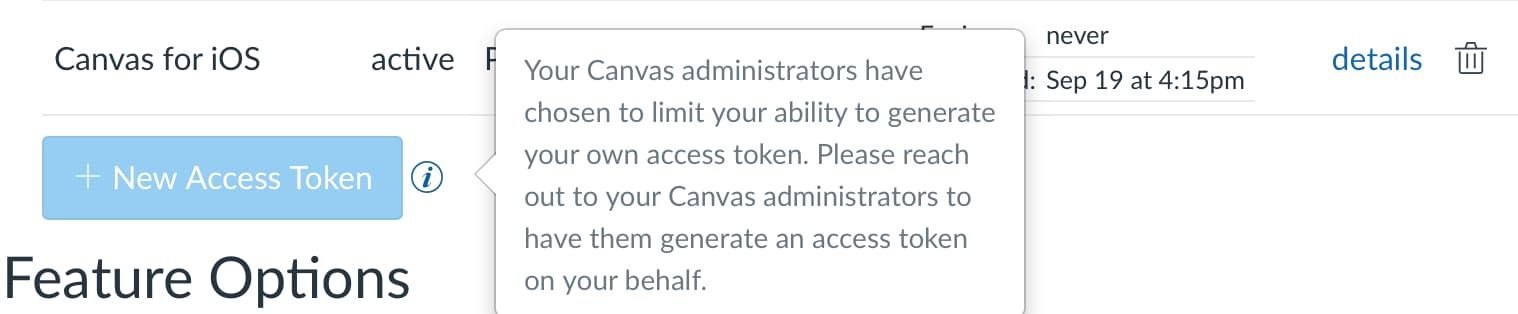
Well, my school, HKUST, disabled API key access in early 2026: Your Canvas administrators have chosen to limit your ability to generate your own access token. Please reach out to your Canvas administrators to have them generate an access token on your behalf.
Their reason was one word: security. I emailed the office in early 2026.
This was their response:
Security is a top priority for [My School Name] applications, and API access can significantly change how instructors present their content, which may impact the educational experience.
For these reasons, we regret to inform you that we will not be opening the API token generation feature for personal use. If you are working on student projects, please ensure you obtain approval from your instructor or project supervisor. This approval is necessary for us to consider any requests related to API access on your behalf.
Generally, this makes sense for most people who do not use the Canvas API. However, I find it unbelievable to simply block key creation without notice. API access does not inherently compromise security because the server is heavily gated by user roles and grants.
The reality is, the application is heavily using the API, suppose your course’s Modules tab is https://canvas.example.com/courses/1234/modules. Open it in your browser and add /api/v1/ after the host, for example: https://canvas.example.com/api/v1/courses/1234/modules. It returns structured JSON, so blocking API key creation does not prevent API access.
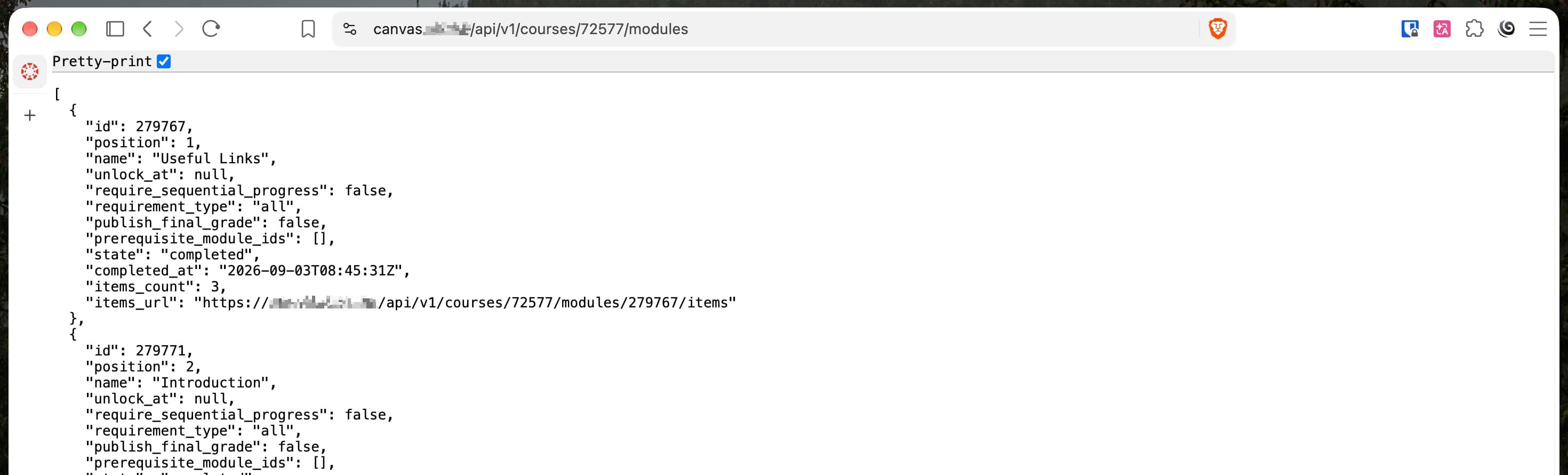
So there is NO point to disallow power user to access Canvas data programatically, but, well, I won’t blame anyone blocking me creating the API keys, because they might have compliance issues, or sometimes they might do surface work to make the system automatically safer haha.
Alternative Way
Although permanent API keys are blocked, there are still many ways to programmatically call the Canvas API. Canvas Web, Canvas for iOS, and Canvas for Android also use the public API documented in the Canvas Developer Docs.
We can retrieve tokens from the browser, but you will only find a short-lived cookie (Cookies: canvas_session=xxx). It expires quickly, is unsuitable for non-interactive automated scripts, and web authentication does not generate long-lived refresh tokens. Therefore, we will not focus on the web approach.
I then realized that Canvas for Android and iOS were still available. After basic packet capture, I found that the Canvas mobile apps use standard OAuth2 authentication. This means that we can generate access and refresh tokens without school office restrictions.
| Field | Value |
|---|---|
| Client ID | 170000000000004 (iOS), 170000000000044 (Android) |
| Client Secret | Below |
| Callback URL | https://sso.canvaslms.com/canvas/login |
| Authorization URL | https://<your_institution>.instructure.com/login/oauth2/auth |
| Token URL | https://<your_institution>.instructure.com/login/oauth2/token |
However, issuing a token from the callback URL requires a client secret. I will not paste it here for security reasons, but you can retrieve it here:
# Android
curl --request GET \
    --url 'https://sso.canvaslms.com/api/v1/mobile_verify.json?domain=<your_institution>.instructure.com' \
    --header 'User-Agent: candroid/8.7.1 (291)'

# iOS
curl --request GET \
    --url 'https://sso.canvaslms.com/api/v1/mobile_verify.json?domain=<your_institution>.instructure.com' \
    --header 'User-Agent: iCanvas/8.8.1 (30997) iPad/iPadOS 26.4'
For authorization, you can set a purpose in the query parameters (?purpose=Python). This is the token purpose shown on the Settings page, for example:
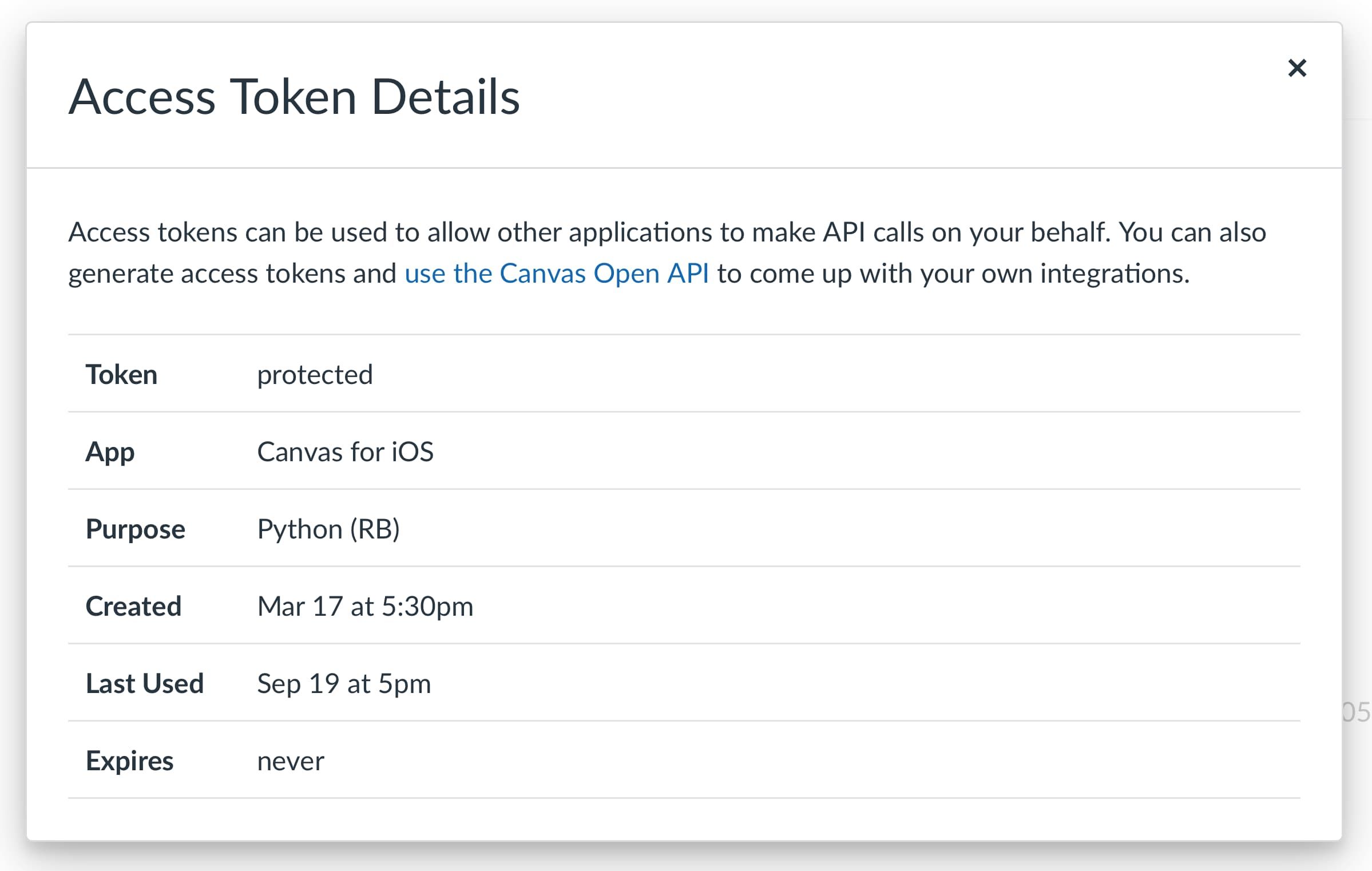
Once you have successfully obtained a token, you will receive an access token and a refresh token. Refer to the general OAuth2 flow to refresh it. In my observation, generated access tokens do not appear to expire, so you can treat an access token as a very long-lived API key alternative.
My generated access and refresh tokens start with 2694~xxxxxx. Yours may be similar, but this depends on the school.
Data Resources
After obtaining a token, you can access the API with the Authorization: Bearer <token> header.
curl --request GET \
  --url https://canvas.ust.hk/api/v1/users/self \
  --header 'Authorization: Bearer <token>'
I do not have much experience modifying data in Canvas.
My scripts almost exclusively perform read-only operations. You can experiment with these endpoints:
GET /api/v1/users/self # User metadata
GET /api/v1/courses/<id> # Course metadata
GET /api/v1/courses/<id>/quizzes
GET /api/v1/courses/<id>/discussion_topics?only_announcements=true # Announcements
GET /api/v1/courses/<id>/users # People tab
Examples
I use the Canvas API to build some small projects, for example:
New File and Module Monitor - Some files might only appear temporarily, so download them ASAP.
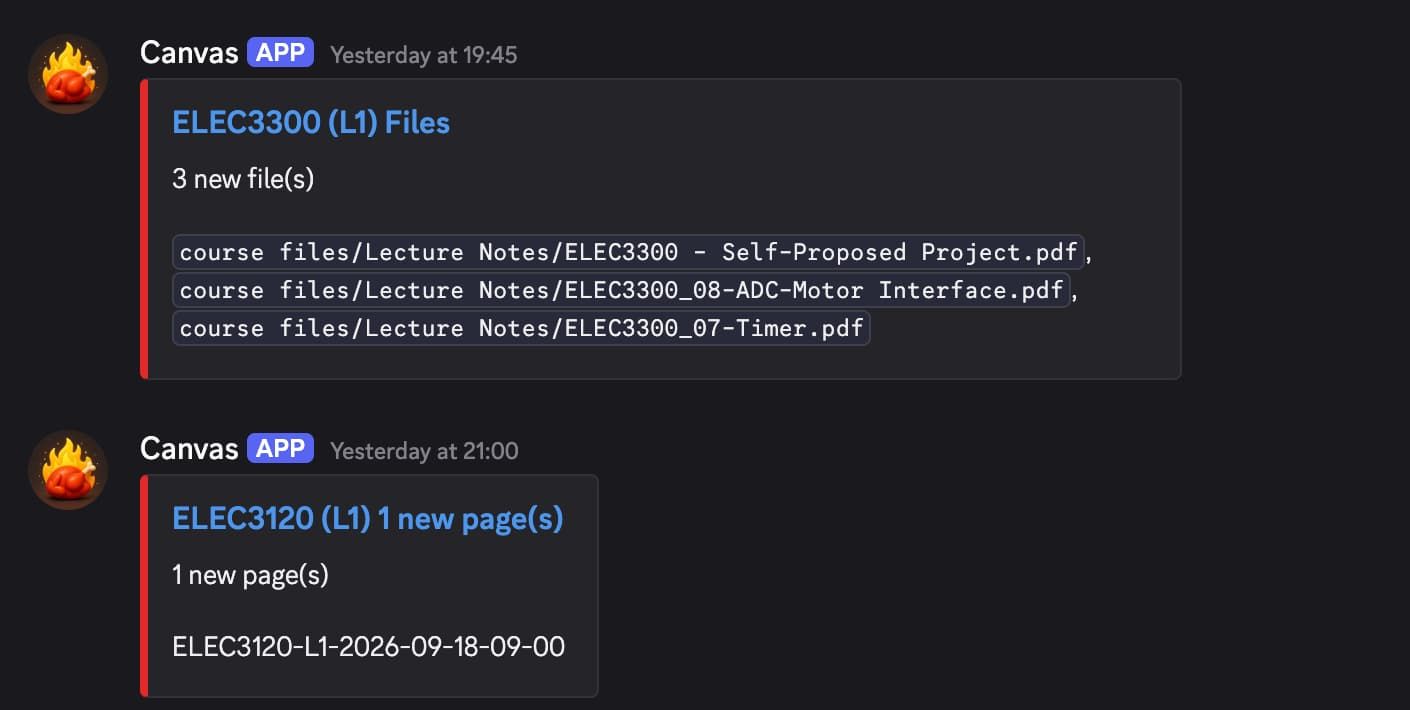
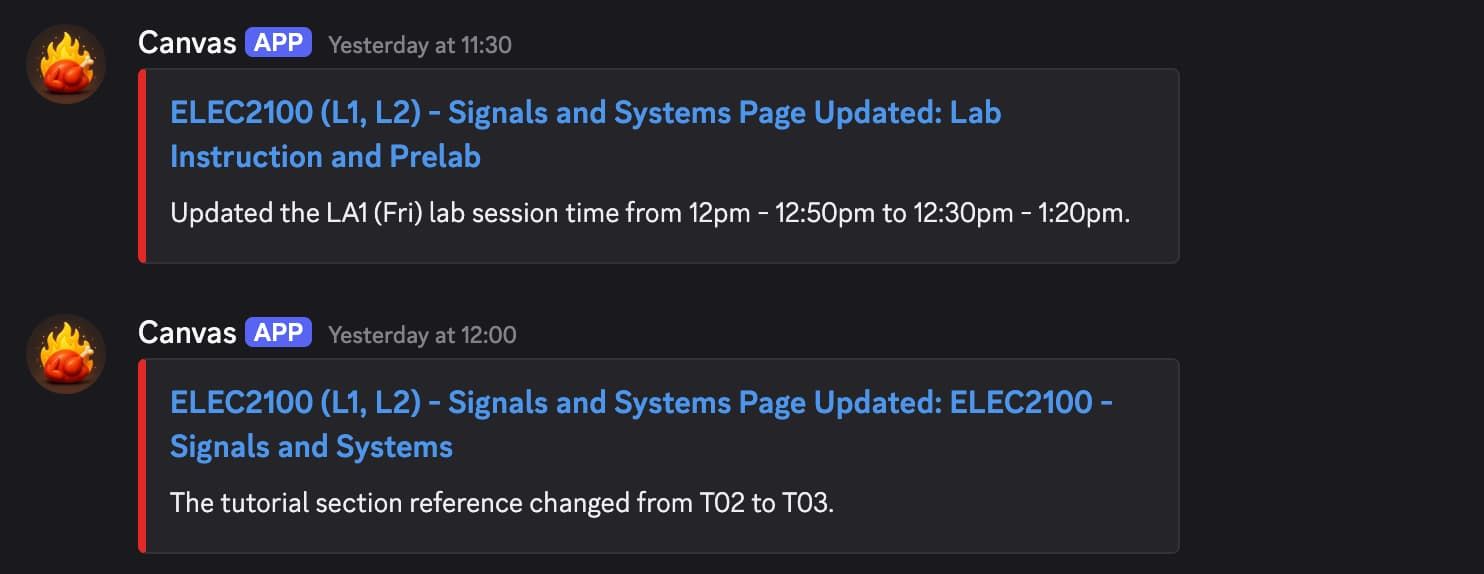
Course Page Modification Monitoring with an LLM - This keeps track of course changes. Many changes are announced very late, so this helps me receive updates on time.
Additional Information
One reminder: Canvas LMS uses Token Rotation. This means that when a new access token is generated from the same refresh token, the previous access token is invalidated.
To make your access token safer—for example, by making it read-only—you can set its scope to url:GET, or restrict it to specific endpoints with url:GET|/api/v1/courses.
Using /courses as an example, the issued token can only be used with that exact endpoint. It does not automatically allow access to sub-resources, such as detailed course data at /courses/<my_course_id>, which returns:
{
  "status": "unauthorized",
  "errors": [
    {
      "message": "user not authorized to perform that action"
    }
  ]
}
For details, refer to Canvas LMS OAuth2.